Laptop on, fans running, keyboard lights up – but the screen stays black. At our Bentleigh East workshop this is usually one of four things: a failed backlight, a dead panel, a display cable fault, or a graphics problem on the motherboard. The first three are fixed the same or next day. We test for free and tell you which it is before quoting.
Three checks that narrow it down in a minute
- Torch test. Shine a phone torch at the screen at an angle with the laptop on. A faint image = backlight failure (panel replacement). Nothing = go to step 2.
- External monitor or TV. Connect via HDMI/USB-C. Picture on the external display = the laptop’s panel or cable. No picture anywhere = motherboard or graphics.
- Hard reset. Hold the power button 20 seconds (remove the battery if it’s removable), then power on. This clears a stuck power state that mimics a dead screen.
Cause by symptom
| What you see | Likely cause | Repair |
|---|---|---|
| Faint image under a torch | Backlight failed | Replace panel |
| Completely blank, external monitor works | Dead panel or display cable | Replace panel or cable |
| Black screen after a drop | Internal LCD crack or unplugged connector | Replace panel / reseat cable |
| Black at some lid angles only | Display cable worn in the hinge | Replace cable |
| Nothing on external monitor, caps lock blinks | Motherboard / RAM / graphics | Board diagnosis (quoted separately) |
| Black with a cursor, Windows logo appeared | Software (driver, update) | Software repair |
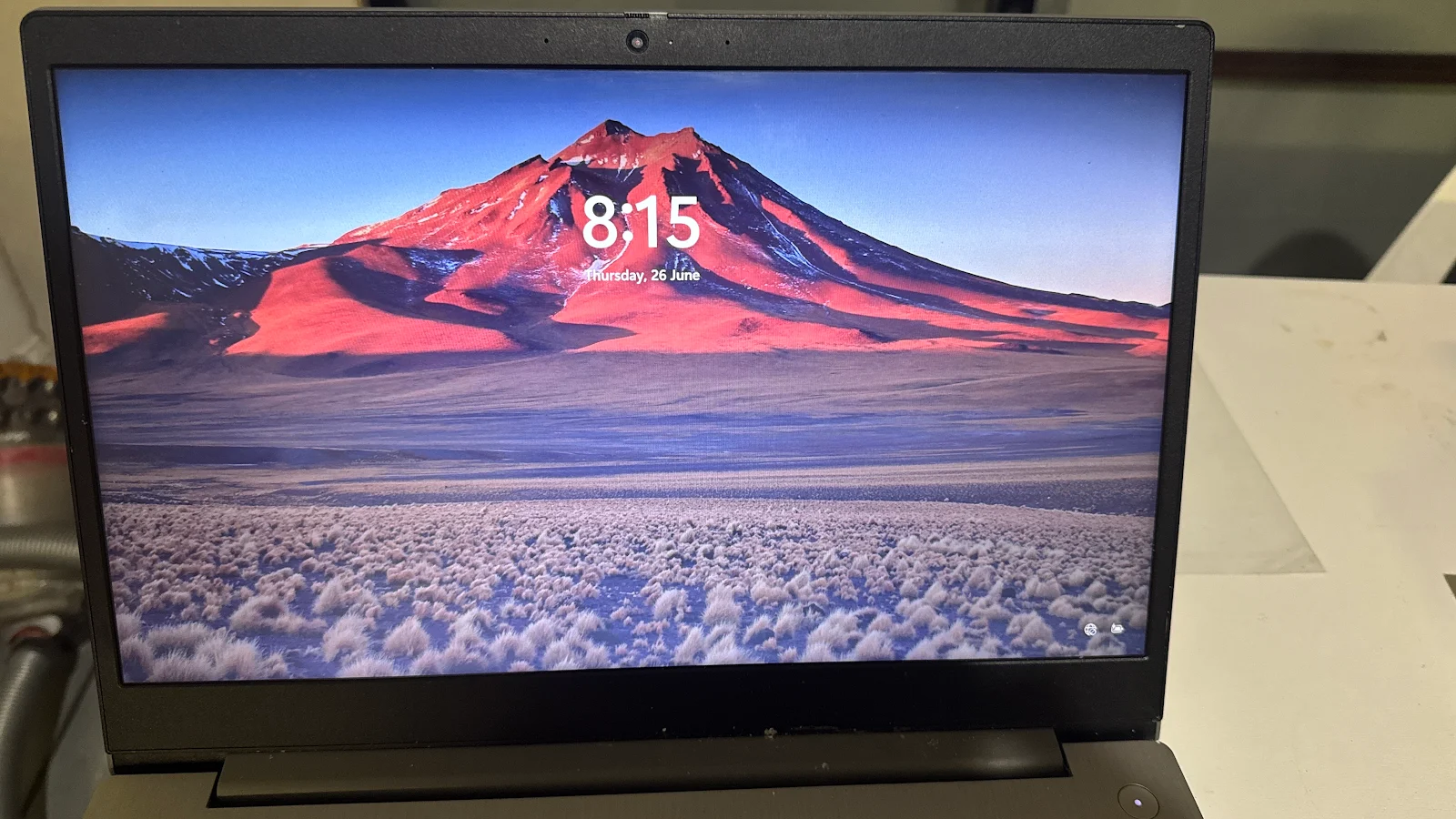
Models we see most with a black screen
- HP 15 and Pavilion – backlight failure around 3–4 years
- Lenovo IdeaPad and ThinkPad E-series – display cable
- Dell Inspiron and Latitude – panel and cable
- Asus VivoBook – panel after a drop
- MacBook – see our sister sites MacBook Screens and MacBook Fixer
How it works
- Text or call 0421 388 876 – tell us the model and what the torch test showed.
- We confirm the price and whether the screen is in stock.
- Text or call before you come, then drop in to 2 Bellevue Rd, Bentleigh East VIC 3165 – open 5am–11pm, 7 days.
- Most in-stock screens are fitted while you wait.
Related: laptop screen flickering, the price guide, and our laptop screen FAQ.
Frequently asked questions
My laptop turns on but the screen is black – what’s wrong?
Shine a torch at the screen at an angle. If you can faintly see the desktop, the backlight has failed and the panel is replaced. If it’s completely blank, plug in an external monitor: if that works, it’s the panel or display cable; if not, it’s the motherboard or graphics.
Can a black laptop screen be fixed?
Yes in most cases. Backlight and panel faults are fixed by a new panel; cable faults by a new cable; both are same-day or next-day repairs. Motherboard faults are quoted separately.
How much does it cost to fix a black laptop screen?
A panel is priced by size and type; a cable is cheaper. Testing is free – Call or text 0421 388 876 and bring it in with the charger.
Is my data safe if the screen is black?
Yes. A screen fault doesn’t affect the drive. If the laptop isn’t worth fixing, we can still copy your files off it.
Why did my screen go black after a drop?
Either the panel cracked internally (no visible crack, but the LCD is broken) or the display cable connector popped off. Both are repairable.